





PIXL Booth runs entirely on your own laptop β capture, print, and guest sessions never depend on an internet connection. The moment you're back online, every photo syncs automatically to a cloud gallery guests can share and revisit anytime. One app, on hardware you already own, zero per-photo fees.
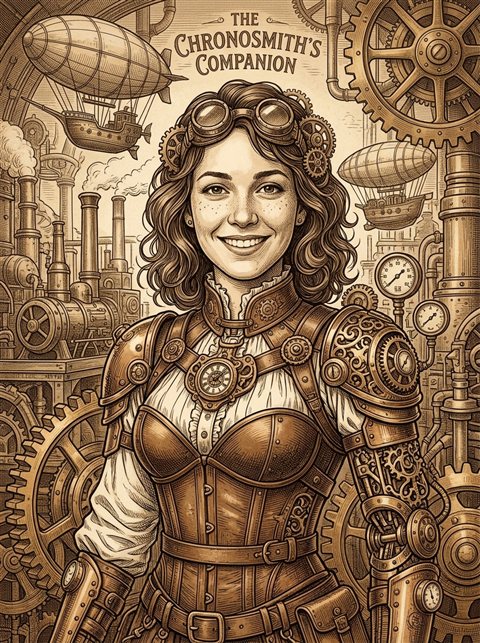
One tap transforms a guest's ordinary photo into a stylized, studio-quality AI portrait β flawless lighting, a custom background, and a look pulled from a growing catalog of styles. No green screen, no retouching, no waiting. It happens right at the booth, in seconds.
Start Your Free 3-Day Trial


A lot of booth software either locks you into rental hardware, charges a fee every time a guest taps "print," or stops working the moment the venue's Wi-Fi drops. PIXL Booth is a one-time install on hardware you already own β a laptop, a Canon camera or just a webcam, and whatever printer you've already got. Capturing and printing run entirely offline, so a dead venue router never stops an event; the moment you're back online, everything syncs to the cloud gallery automatically. Guests run the whole session themselves; you just watch the dashboard.
One app for the whole event β from the camera, to the print tray, to the guest's phone.
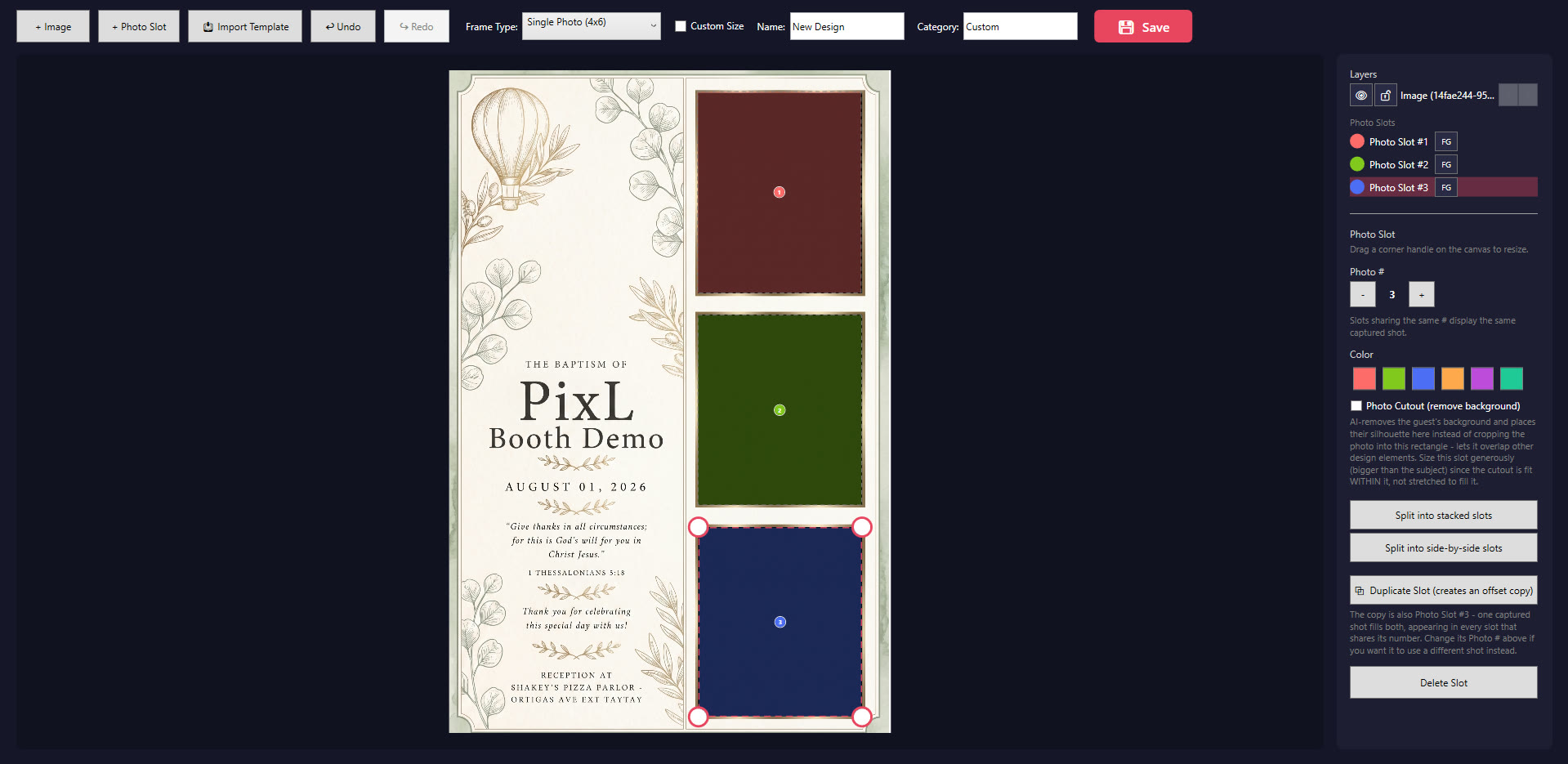
Design your own print layouts sized to the inch, drag photo slots into place, and add logos, text, or stickers. Save it once and reuse it for every future event.
Every event's photos are backed up and browsable online afterward from any device, so nothing lives only on one laptop that could fail or go missing.
Works with a Canon DSLR or a plain webcam. Guided countdown, live filters, and single-tap retakes let guests run the whole session themselves β no operator required.
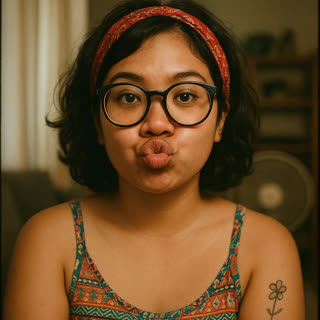
Turn a guest's ordinary capture into a studio-quality AI portrait in seconds β new backdrop, flawless lighting, zero manual editing.
Swap in a stock or AI-generated backdrop on the fly β on-device background removal means no green screen and no extra hardware.
Guests grab their photo by QR code in seconds, saved straight to their phone's camera roll β not just a generic browser download.
Guests can browse and re-download every photo from the whole event afterward β perfect for a venue kiosk or a link shared after the party.
Direct-to-printer output with alignment tools, dual-printer support, and configurable print-count limits to keep supply costs predictable.
Let guests doodle, add text, or drop in your branded sticker pack before they print or share β optional, and fully within your control per event.
See session counts, prints, and shares per event at a glance, so you know what's working across every booking without digging through folders.
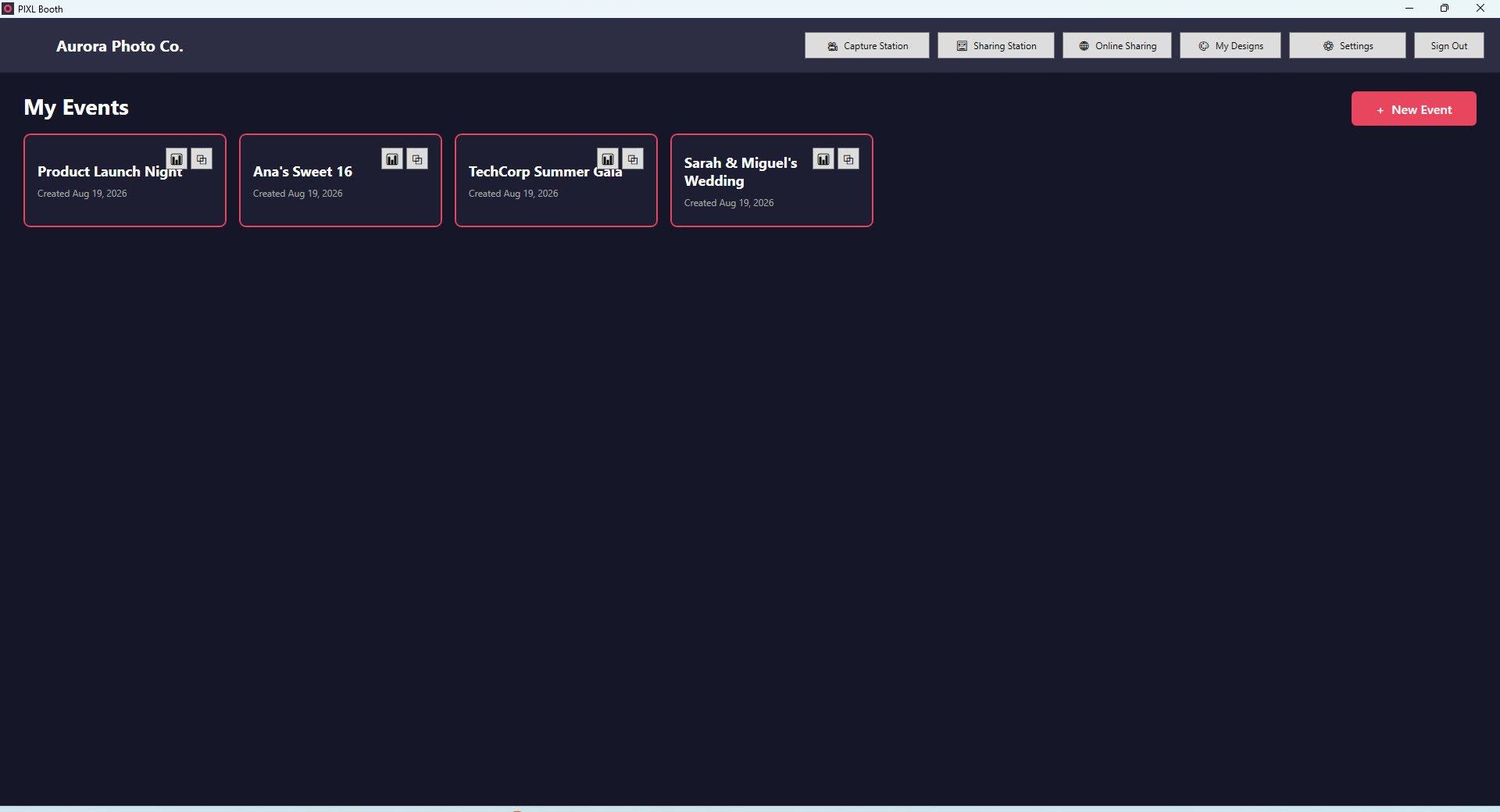
Real screens from the actual app β your booth, your branding.
Dashboard β every event, one place
Uses your camera for this preview only β nothing is uploaded or saved anywhere.
This isn't a mockup β it's the same guided countdown, running live in your browser
Design your own print layout, sized to the inch
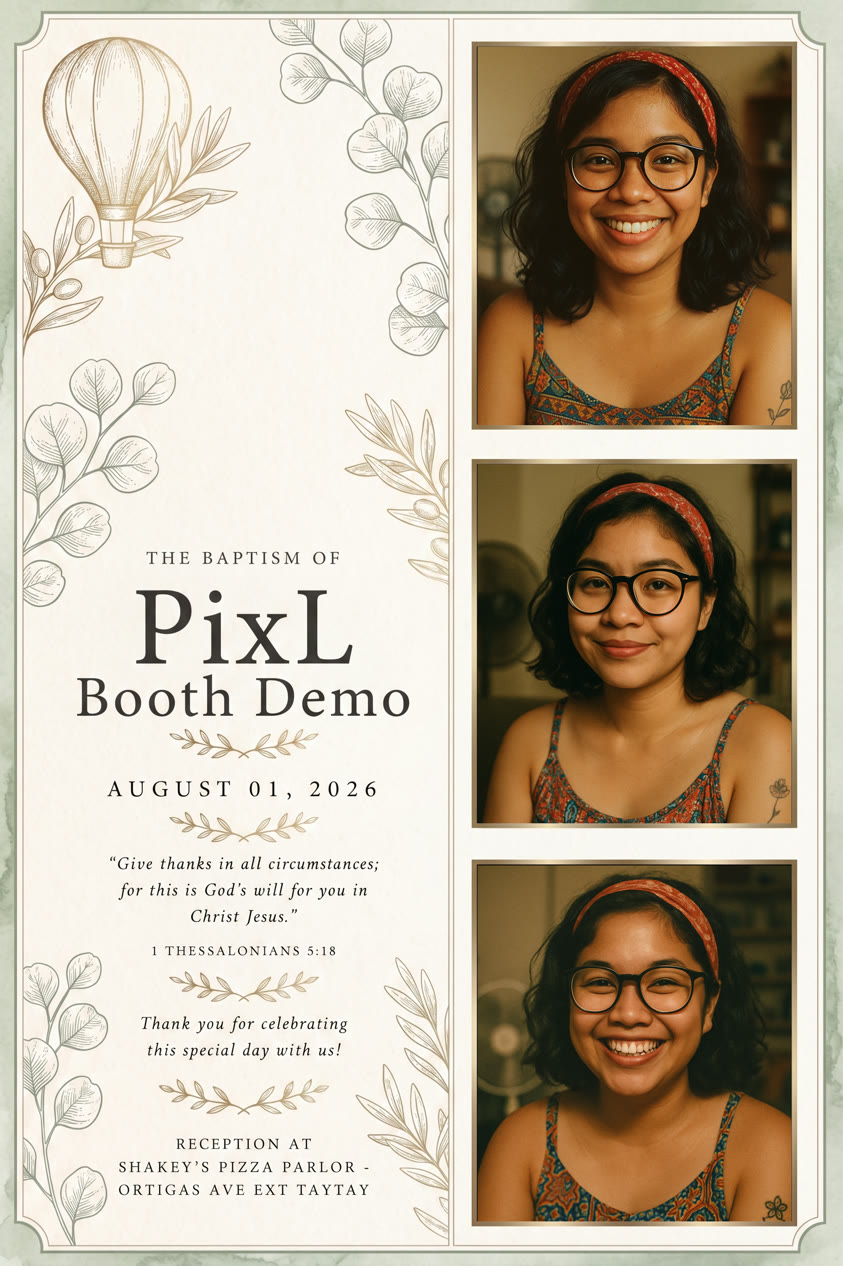
A real finished print β captured, framed, and ready to share
A quick tour of the features, filmed live during an actual booking β not a staged demo.
Not just the one photo they took β a separate online link lets guests browse and download every photo from the whole event, from any phone or computer, whenever they want afterward.
Tap your photo to see your final photo, GIF, and raw shots.
One link, shareable with every guest β no app or account needed on their end
From unboxing to your first event in three steps β no account needed until step 3.
Install PIXL Booth, plug in a Canon DSLR or use a webcam, and pick your printer. No account and no IT background needed yet.
Build a custom print layout in the Frame Designer, or start from a preset. Still no account required.
This is when your 3-day trial clock starts, so do it right before your first real test or booking. Guests then run the session themselves β capture, print, and grab a copy on their phone via QR code, instantly.
No specialty photo booth rig required β PIXL Booth runs on ordinary Windows hardware.
Any Canon EOS DSLR or mirrorless camera supported by Canon's EOS Digital SDK, tethered over USB β or skip the DSLR entirely and use a plain USB or built-in webcam.
Any printer already installed in Windows, including dye-sublimation photo printers. Alignment tools built in, with support for running two printers at once.
Windows 10 or 11, 64-bit. Runs comfortably on the same laptop you'd already bring to an event β no dedicated photo booth PC needed.
Capturing, editing, and printing all run locally with no internet required. Cloud uploads and sharing links queue automatically and send once a connection's back.
From backyard parties to massive corporate galas, here is why hosts love running our instant, zero-download web photobooth.
The ultimate software subscription for our photobooth business!
The separate QR sharing station eliminated queues completely.
Our clients love the instant GIF and AI features!
Sobrang laking tulong ng AI Portrait sa business namin!
Sobrang dali gamitin ng GIF at AI options.
The separate QR sharing station is a life saver for big events!
Super reliable software with zero lag during events.
Online Support
One-click gallery delivery changed our post-event workflow!
The entire event album generated in one single client link!
One product, full features β just pick the billing cadence that fits how often you book events. Cancel or switch anytime, no contract, and nothing you've built gets reset when you subscribe.
Prices in PHP. 50% off applies automatically at checkout for any purchase or renewal made Sept 21 β Dec 31, 2026. Already have an account? Sign in from inside the app.
Everything we get asked before someone's first event.
The moment you finish creating your account β not when you first open the app. That's why we recommend downloading PIXL Booth and connecting your camera or webcam before you sign up: your trial time then goes toward running real test events instead of setup.
No β PIXL Booth works with a plain USB or laptop webcam right out of the box. Connecting a Canon DSLR or mirrorless camera gives sharper, more professional results, but it's entirely optional.
Capturing, editing, and printing all run entirely on the booth's own PC, so they keep working with no internet connection at all. Cloud gallery uploads and guest sharing links queue automatically in the background and send the moment a connection comes back β nothing gets lost.
Yes. Each Capture Station or Sharing Station loads whichever event you point it at with a 6-digit access code, so you can run simultaneous bookings on separate machines under one account β how many depends on your plan's device limit.
If you turn it on for that event, guests can pick a filter and add stickers or text before their photo is finalized. You can also leave editing off for a clean, unedited photo every time β your call, per event.
Every photo is backed up to your cloud event gallery automatically, so you and your guests can browse or re-download them anytime afterward β not just during the party.
Any printer already installed in Windows, including dye-sublimation photo printers, with built-in alignment tools and support for running two printers at once.
Yes β weekly, monthly, and annual billing all cancel anytime with no lock-in contract. Switch cadence whenever your booking schedule changes.
Download PIXL Booth and connect your camera first β then create your account right before you're ready to start your 3-day trial.